Building Self-Healing CI/CD Pipelines with GitHub Copilot SDK
Looking for interesting GitHub Copilot SDK use cases? Read this article to see how I am using it

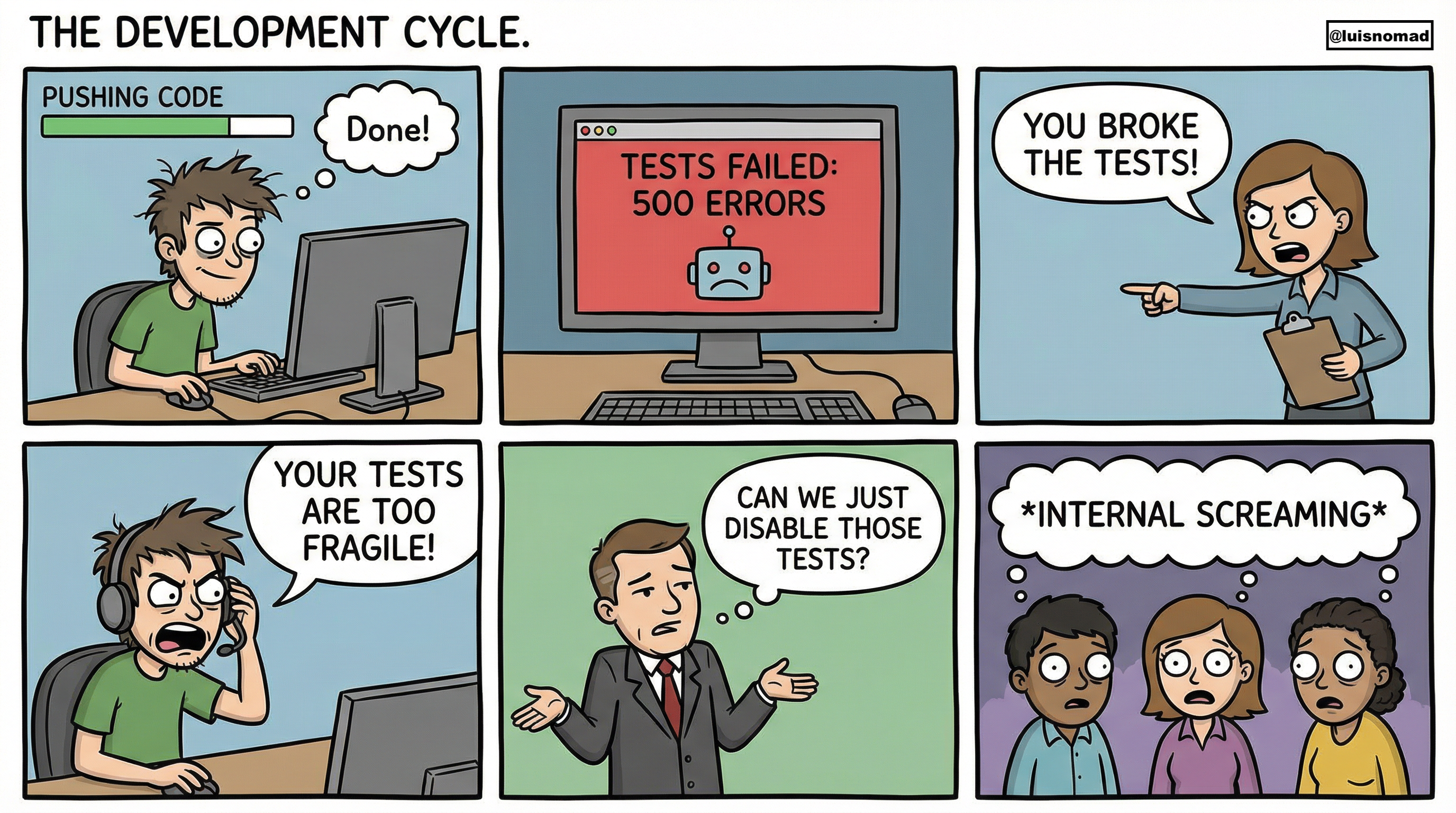
We’ve all been there: your CI/CD pipeline fails at 3 AM because of a flaky test, and you wake up to a red build. What if an AI agent could analyze the failure, understand the code context, fix it, and open a pull request. All before you’ve had your morning coffee? That’s exactly what we can build with the GitHub Copilot SDK.
In this post, I’ll walk you through building a self-healing test agent that monitors your CI/CD pipeline, automatically diagnoses test failures, and proposes fixes. This is based on patterns I’ve been experimenting with since the SDK launched.
Why This Matters
Traditional CI/CD failure workflows are painfully slow:
- Test fails in CI
- Developer gets notified
- Developer investigates logs
- Developer fixes the issue
- Developer creates PR
- Total time: hours to days
With an AI agent powered by the Copilot SDK:
- Test fails in CI
- Agent analyzes failure automatically
- Agent proposes fix
- Agent creates draft PR
- Total time: minutes
The developer’s role shifts from firefighting to reviewing and approving intelligent suggestions.
Understanding the GitHub Copilot SDK
Released in January 2026, the GitHub Copilot SDK provides programmatic access to the same AI agent runtime that powers GitHub Copilot CLI. It’s available in Node.js, Python, Go, and .NET.
Key Capabilities
The SDK gives you:
- Agent orchestration: Multi-turn conversations with context awareness
- Built-in tools: File system operations, Git commands, and web requests
- Custom tools: Define your own functions for the agent to call
- MCP integration: Connect to Model Context Protocol servers for extended functionality
- GitHub integration: Native access to repositories, issues, and pull requests
Here’s the architecture:
Your Application
       ↓
  SDK Client (TypeScript/Python/Go/.NET)
       ↓ JSON-RPC
  Copilot CLI (Agent Runtime)
       ↓
  GitHub Copilot (LLM)
The SDK manages the Copilot CLI process automatically, so you focus on defining agent behavior and custom tools.
Building the TestFix Agent
Let’s build a practical example: an agent that monitors Playwright test failures and automatically proposes fixes.
Architecture Overview
GitHub Actions (Test Fails)
       ↓
   Webhook Trigger
       ↓
   TestFix Agent
       ├── Fetches test logs
       ├── Reads test files
       ├── Analyzes application code
       ├── Proposes fix
       └── Creates PR
Step 1: Setting Up the SDK
First, install the SDK:
npm install @github/copilot-sdk zodCreate the basic client:
import { CopilotClient, defineTool } from "@github/copilot-sdk";
import { z } from "zod";

const client = new CopilotClient();
await client.start();
Step 2: Configuring the Agent
Define your agent’s personality and connect to GitHub:
const session = await client.createSession({
  model: "gpt-4.1",

  // Connect to GitHub for PR operations
  mcpServers: {
    github: {
      type: "http",
      url: "https://api.githubcopilot.com/mcp/",
    },
  },

  // Define agent behavior
  systemMessage: {
    content: `You are TestFix, an expert QA automation engineer specializing in Playwright tests.

Your mission: Analyze failed tests and propose accurate fixes.

When a test fails:
1. Read the test failure logs carefully
2. Examine the test file to understand intent
3. Analyze the application code being tested
4. Identify the root cause (flaky selector, timing issue, logic change, etc.)
5. Propose a specific, minimal fix
6. Verify the fix would resolve the issue
7. Create a PR with clear explanation

Key principles:
- Prefer stable selectors over flaky ones
- Add appropriate waits for dynamic content
- Never mask real bugs with workarounds
- Explain your reasoning clearly
- Include the failure context in PR description`
  },
});
Step 3: Creating Custom Tools
The SDK allows you to define custom tools that the agent can use. Here’s how to integrate with your CI/CD system:
const tools = [
  // Tool 1: Fetch test logs from CI
  defineTool("read_test_logs", {
    description: "Read Playwright test failure logs from CI system",
    parameters: z.object({
      buildId: z.string().describe("CI build identifier"),
      testName: z.string().describe("Name of the failed test")
    }),
    handler: async ({ buildId, testName }) => {
      // Fetch from GitHub Actions, Jenkins, etc.
      const logs = await fetchCILogs(buildId, testName);

      return {
        logs: logs.output,
        stackTrace: logs.stackTrace,
        screenshot: logs.screenshotUrl,
        timestamp: logs.timestamp
      };
    },
  }),

  // Tool 2: Run test locally to verify fix
  defineTool("run_test_locally", {
    description: "Run specific Playwright test locally to verify a fix works",
    parameters: z.object({
      testFile: z.string().describe("Path to test file"),
      testName: z.string().describe("Specific test to run"),
    }),
    handler: async ({ testFile, testName }) => {
      const { exec } = require('child_process');
      const { promisify } = require('util');
      const execAsync = promisify(exec);

      try {
        const result = await execAsync(
          `npx playwright test ${testFile} --grep="${testName}"`
        );
        return {
          success: true,
          output: result.stdout,
          duration: result.time
        };
      } catch (error) {
        return {
          success: false,
          output: error.stdout,
          error: error.stderr
        };
      }
    },
  }),

  // Tool 3: Analyze test patterns
  defineTool("get_test_patterns", {
    description: "Get common patterns and conventions used in the test suite",
    parameters: z.object({
      directory: z.string().describe("Test directory to analyze")
    }),
    handler: async ({ directory }) => {
      // Analyze existing tests for patterns
      const patterns = await analyzeTestPatterns(directory);

      return {
        selectorPatterns: patterns.selectors,
        waitPatterns: patterns.waits,
        assertionStyle: patterns.assertions,
        pageObjectPattern: patterns.usesPageObjects
      };
    },
  }),
];

// Add tools to session
const session = await client.createSession({
  model: "gpt-4.1",
  mcpServers: { /* ... */ },
  systemMessage: { /* ... */ },
  tools: tools,
});
Step 4: Integrating with CI/CD
Create a webhook endpoint that triggers when tests fail:
import express from 'express';

const app = express();

app.post('/ci-failure', async (req, res) => {
  const { buildId, failedTests, repository, branch } = req.body;

  console.log(`Test failure detected in ${repository}:${branch}`);
  console.log(`Failed tests: ${failedTests.join(', ')}`);

  // Stream agent responses
  session.on((event) => {
    if (event.type === "assistant.message") {
      console.log(`Agent: ${event.data.content}`);
    }

    if (event.type === "tool.call") {
      console.log(`Calling tool: ${event.data.name}`);
    }
  });

  // Start the agent workflow
  await session.send({
    prompt: `A test failed in build ${buildId}:

Repository: ${repository}
Branch: ${branch}
Failed tests: ${failedTests.join(', ')}

Please:
1. Analyze each failure
2. Propose fixes
3. Create a draft PR with your changes

Use the read_test_logs tool to get details, then examine the relevant test and application files.`
  });

  res.json({
    status: "Agent started",
    buildId: buildId
  });
});

app.listen(3000, () => {
  console.log('TestFix agent listening on port 3000');
});
Step 5: GitHub Actions Integration
Set up automatic triggering in your workflow:
name: Test Suite
on: [push, pull_request]

jobs:
  test:
    runs-on: ubuntu-latest
    steps:
      - uses: actions/checkout@v4
      - name: Install dependencies
        run: npm ci
      - name: Run Playwright tests
        id: playwright
        run: npx playwright test
        continue-on-error: true

      - name: Trigger TestFix Agent on failure
        if: steps.playwright.outcome == 'failure'
        run: |
          curl -X POST https://your-agent-server.com/ci-failure \
            -H "Content-Type: application/json" \
            -d '{
              "buildId": "${{ github.run_id }}",
              "repository": "${{ github.repository }}",
              "branch": "${{ github.ref_name }}",
              "failedTests": ["extracted_from_output"]
            }'
        env:
          GITHUB_TOKEN: ${{ secrets.GITHUB_TOKEN }}
How It Works in Practice
Let’s walk through a real scenario:
Scenario: A Button Selector Changed
The manual approach:
- Test fails:
Error: locator.click: Timeout 30000ms exceeded - Check CI logs (5-10 minutes)
- Clone repo locally (5 minutes)
- Run test locally (2 minutes)
- Inspect element in browser (10 minutes)
- Realize button class changed from
.submit-btnto.btn-submit - Update test (2 minutes)
- Create PR (3 minutes)
- Total: ~40 minutes of your life
With the TestFix agent:
- Test fails, webhook triggers the agent
- Agent reads logs and sees timeout on button click
- Agent examines test file:
await page.locator('.submit-btn').click() - Agent uses GitHub MCP to check recent changes
- Agent finds: button class was renamed in a recent commit
- Agent updates test to:
await page.locator('.btn-submit').click() - Agent runs test locally to verify
- Agent creates PR with description:
## Fix: Update submit button selector **Root Cause:** Button class was renamed from `.submit-btn` to `.btn-submit` in commit abc123. **Fix:** Updated test selector to match new class name. **Verification:** Test passes locally (see build log). Related to build: #12345 - Total: ~2 minutes
Real-World Considerations
1. Safety and Control
This should go without saying, but don’t auto-merge. The agent creates draft PRs that still need human review. You can also add confidence scoring:
async function assessFixConfidence(fix) {
  const factors = {
    testPassedLocally: fix.localTestResult.success ? 30 : 0,
    minimalChange: fix.linesChanged < 5 ? 20 : 10,
    matchesPatterns: fix.followsConventions ? 20 : 0,
    noLogicChange: !fix.containsLogicChanges ? 30 : 0,
  };

  const confidence = Object.values(factors).reduce((a, b) => a + b, 0);

  return {
    score: confidence,
    autoMergeEligible: confidence >= 85,
    factors: factors
  };
}
2. Cost Management
The SDK uses your Copilot subscription’s premium request quota. For high-volume scenarios:
- Set up rate limiting
- Prioritize critical test failures
- Cache common patterns
- Use cheaper models for initial analysis, expensive ones for fixes
// Use cheaper model for initial triage
const triageSession = await client.createSession({
  model: "gpt-4o-mini"
});

// Use powerful model only for fix generation
const fixSession = await client.createSession({
  model: "gpt-4.1"
});
3. Test Suite Patterns
Teach the agent your conventions:
systemMessage: {
  content: `You are TestFix for the Acme Corp test suite.

Our conventions:
- We use Page Object Model pattern
- Selectors are data-testid attributes: [data-testid="submit-button"]
- We never use XPath selectors
- All async operations use explicit waits
- We prefer toBeVisible() over toBeTruthy()

Code style:
- Use async/await, not .then()
- 2-space indentation
- Descriptive test names with "should" prefix

When fixing tests, maintain these patterns.`
}
4. Monitoring and Analytics
Track agent performance:
const metrics = {
  totalFailures: 0,
  agentTriggered: 0,
  fixesProposed: 0,
  fixesMerged: 0,
  falsePositives: 0,
  avgResolutionTime: 0,
};

// Log to your observability platform
await logMetric('testfix.fix_proposed', {
  confidence: fixConfidence.score,
  testType: 'e2e',
  framework: 'playwright',
  timestamp: Date.now()
});
Advanced: Code Migration
Here’s where things get really interesting: the same architecture works for automated test framework migration.
Think about it—if your agent can understand test intent, analyze code patterns, and apply fixes, it can also migrate tests between frameworks.
Use Case: Cypress to Playwright Migration
A lot of teams are migrating from Cypress to Playwright these days. This typically involves:
- Converting Cypress commands to Playwright equivalents
- Updating assertions to Playwright’s expect API
- Refactoring custom commands to helper functions
- Adapting to different async patterns
The TestFix agent architecture can handle this:
const migrationAgent = await client.createSession({
  model: "gpt-4.1",
  systemMessage: {
    content: `You are a test migration specialist. Convert Cypress tests to Playwright.

Conversion rules:
- cy.get() → page.locator()
- cy.visit() → page.goto()
- cy.contains() → page.getByText()
- should('be.visible') → toBeVisible()
- cy.intercept() → page.route()

Key differences:
- Playwright is fully async (use await everywhere)
- No auto-retry on assertions (use explicit expects)
- Different page object pattern
- beforeEach hooks work differently

Maintain test intent and coverage while following Playwright best practices.`
  },
  tools: [
    defineTool("analyze_cypress_test", {
      description: "Analyze a Cypress test to understand its intent and structure",
      parameters: z.object({
        testFile: z.string()
      }),
      handler: async ({ testFile }) => {
        // Parse and analyze the Cypress test
        const analysis = await analyzeCypressTest(testFile);
        return analysis;
      },
    }),

    defineTool("validate_playwright_test", {
      description: "Run converted Playwright test to verify it works",
      parameters: z.object({
        testFile: z.string()
      }),
      handler: async ({ testFile }) => {
        // Run the converted test
        const result = await runPlaywrightTest(testFile);
        return result;
      },
    }),
  ],
});

// Migrate a test
await migrationAgent.send({
  prompt: `Migrate this Cypress test to Playwright: tests/cypress/login.spec.js

  After conversion:
  1. Verify the test structure is correct
  2. Run the test to ensure it passes
  3. Create a PR with the migrated test`
});
This approach offers several advantages:
- Consistent migration patterns: The agent learns your preferred patterns
- Batch processing: Migrate dozens of tests with consistent quality
- Validation built-in: Agent runs tests to verify migrations work
- Human oversight: PRs enable review before merging
- Incremental adoption: Migrate test-by-test or suite-by-suite
The same principles apply to other migrations:
- Jest to Vitest
- Mocha to Jest
- Selenium to Playwright
- Protractor to Cypress/Playwright
Implementation Roadmap
Here’s a practical path to production:
Phase 1: Proof of Concept (1-2 weeks)
- Set up Copilot SDK environment
- Create one custom tool (read_test_logs)
- Test agent on a single failing test
- Validate it can propose a reasonable fix
Phase 2: Integration (2-3 weeks)
- Connect to your CI/CD system
- Add all necessary custom tools
- Implement PR creation workflow
- Add safety checks and approvals
- Set up monitoring
Phase 3: Pilot (4-6 weeks)
- Deploy to one team or project
- Monitor performance and accuracy
- Collect feedback from developers
- Iterate on agent instructions
- Build confidence scoring
Phase 4: Scale (ongoing)
- Roll out to additional teams
- Add support for more test frameworks
- Implement advanced features (migration, pattern detection)
- Build analytics dashboard
- Create playbooks for common issues
Business Value
Let’s talk numbers. For a mid-size team of 10 developers, here’s what the math looks like:
Current state:
- 20 test failures per week
- 30 minutes average resolution time per failure
- 10 hours/week spent on test failures
With TestFix Agent:
- Agent handles 60% of failures automatically
- Human reviews take 5 minutes instead of 30
- 6 hours/week saved
Plus intangible benefits:
- Faster deployment cycles
- Reduced developer frustration
- Better test coverage (developers write more tests when maintenance is easier)
- Knowledge capture (agent learns patterns and shares them)
Getting Started
Want to try this yourself? Here’s how:
-
Install the SDK:
npm install @github/copilot-sdk -
Read the docs:
-
Try the examples:
- Start with a simple custom tool
- Add GitHub MCP integration
- Build from there
Wrapping Up
The GitHub Copilot SDK turns AI from a coding assistant into something closer to a proactive team member. Self-healing CI/CD pipelines are just one use case—the same patterns work for code migration, security scanning, documentation, and plenty more.
The thing is, AI agents are really good at tasks that require reading code, understanding context, and applying systematic fixes. That’s exactly the kind of repetitive work that slows teams down and drives developers crazy.
From what I’ve seen building these tools, the shift is real: less time firefighting, more time solving interesting problems. That’s the kind of future worth building toward.
So… what are you going to build with it?